
Google Play Store
Google Play Store is Google's digital distribution platform for Android, used to find, install and update apps, games and books.
101.1 MB

26.33.60 · Google LLC · Page updated
Google Play Services is Google's background service and API package for Android. Many apps depend on it, and it updates through Google Play.
Average 0.0 · ratings: 0
Thank you! Your rating is saved; you can change it. Could not save the rating. Please try again later. Too many ratings from your network today. Please try again tomorrow. The average appears after 5 ratings.
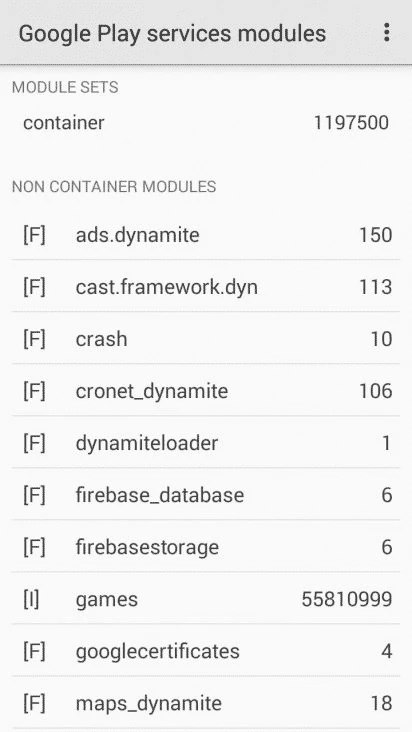
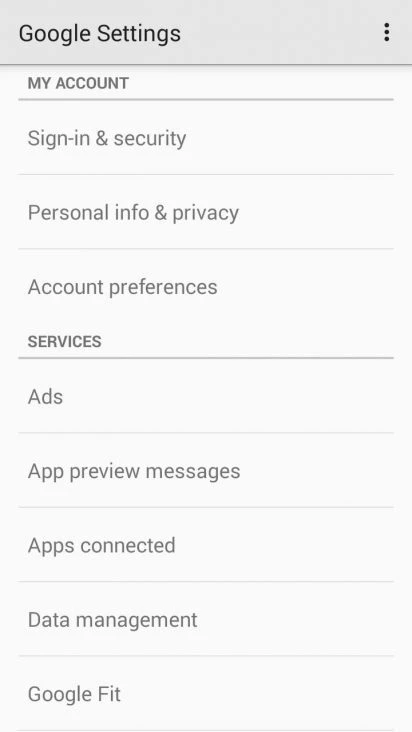
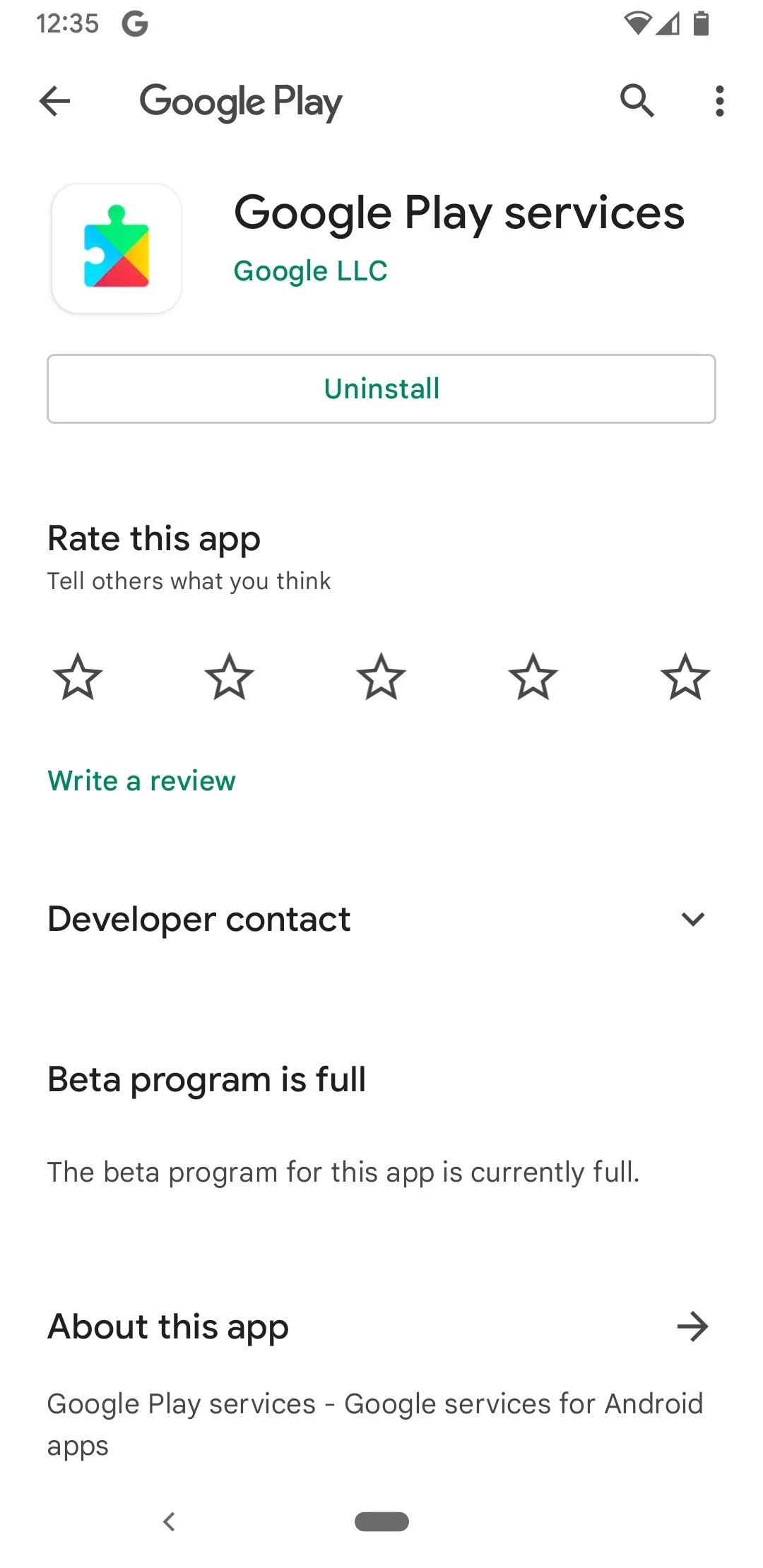
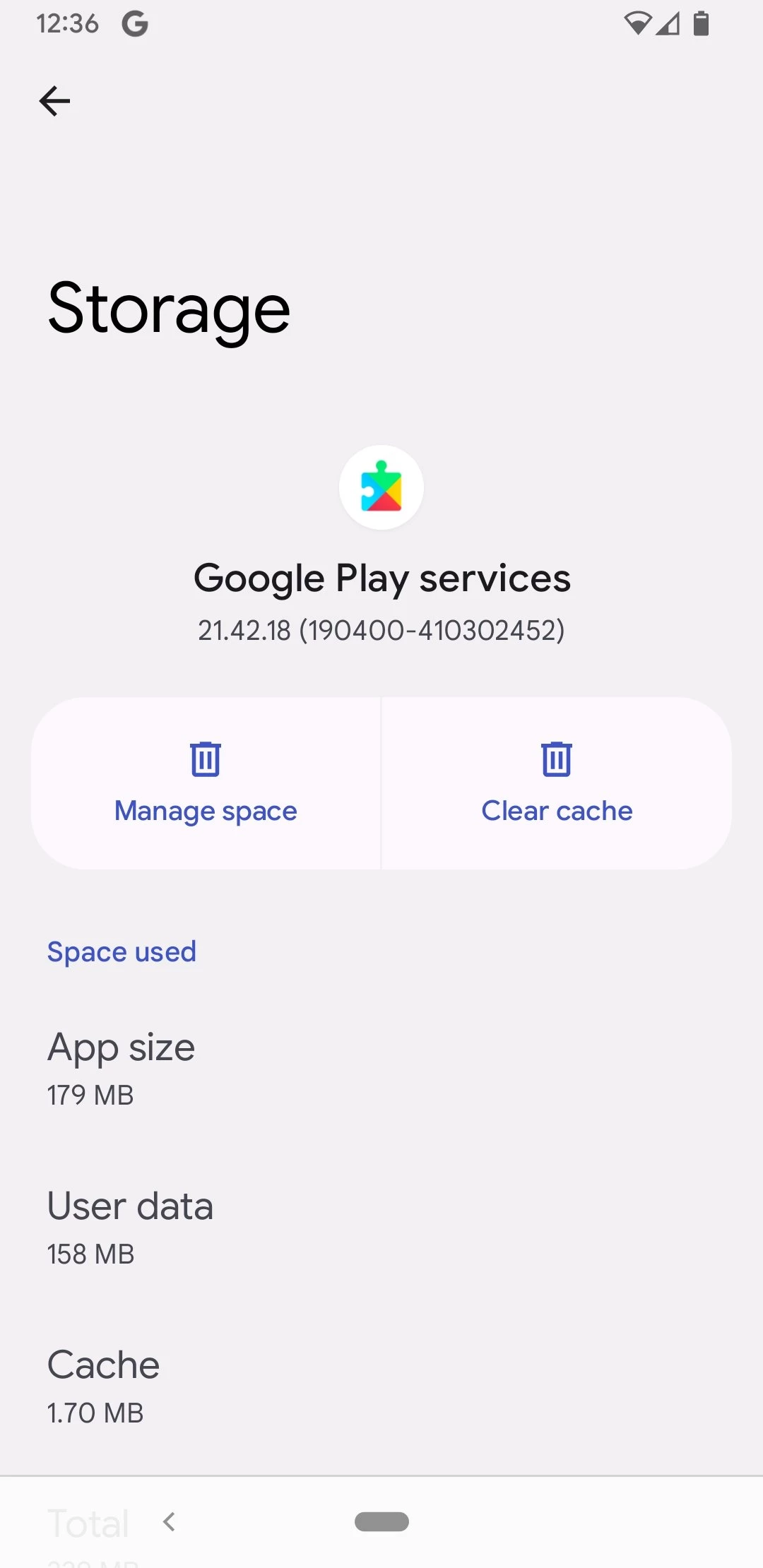
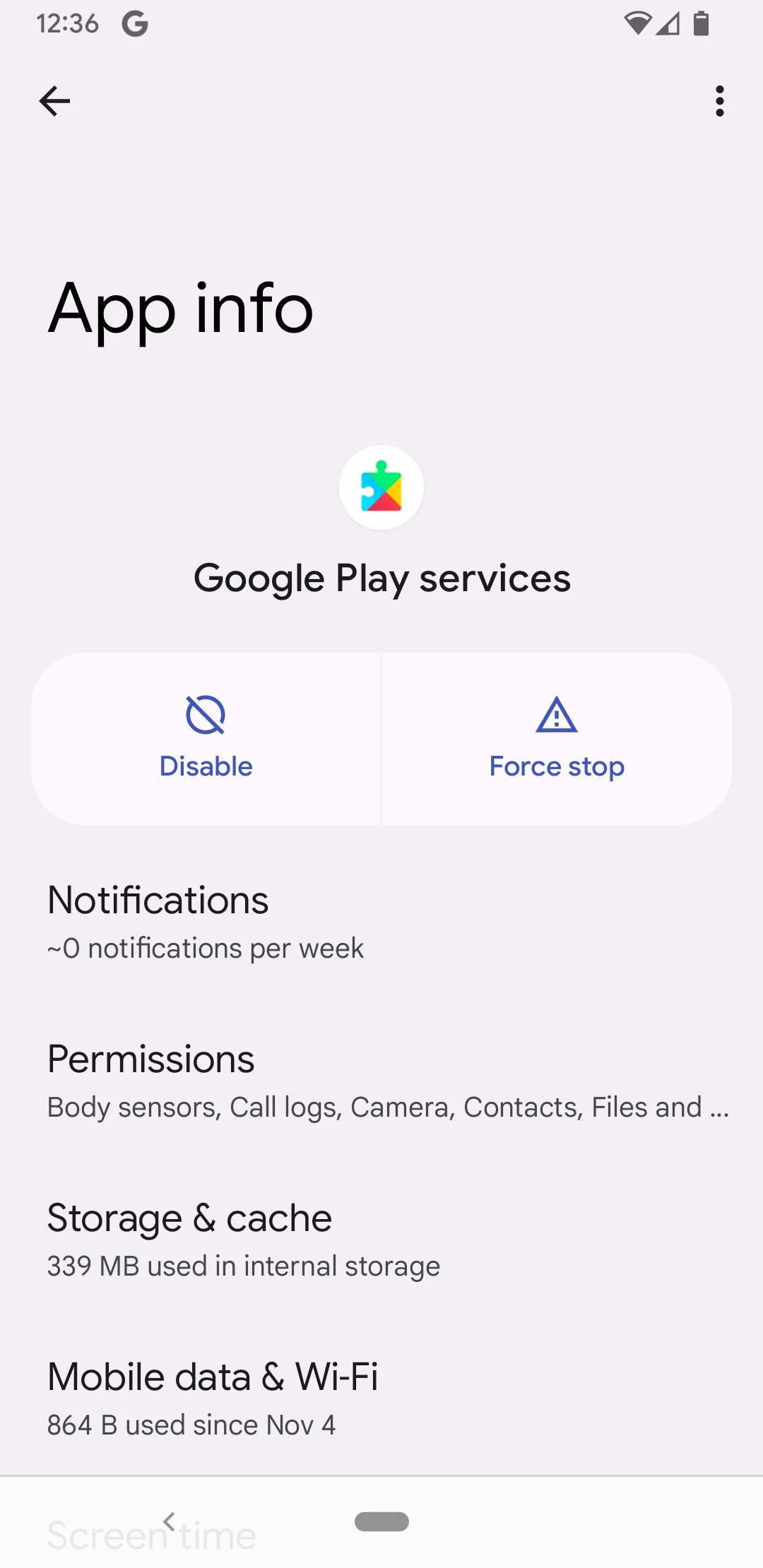
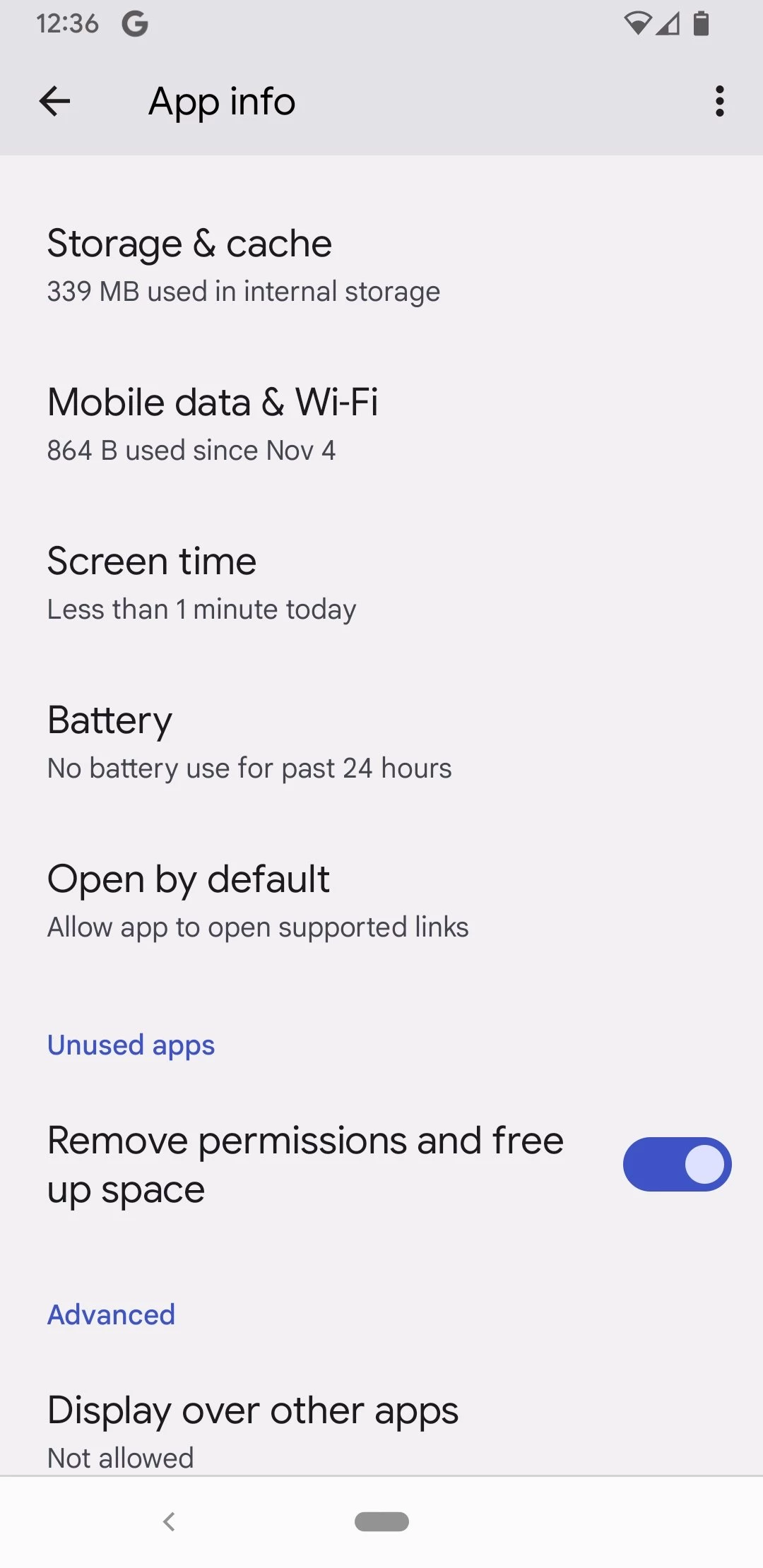
Google Play Services 26.33.60 is Google's background service and API package for Android devices. You rarely open it yourself, but many apps rely on it, so when one of them asks you to download or update Google Play Services, the safe route is the official listing in Google Play.
It is a layer of Google software that sits between Android and the apps you install. App developers use its programming interfaces instead of building the same pieces again, so common building blocks that many apps share come from one package maintained by Google. Because this layer is updated through Google Play rather than through a full system update from the phone maker, Google can deliver fixes and new interfaces to older phones as well. That is also why the package is large and updates often. For an ordinary user the practical meaning is simple: if Play Services is missing, disabled or badly out of date, apps that depend on it may crash, stop sending notifications or refuse to start.
On phones and tablets that ship with Google Play, it is already installed and updates automatically. You only need to act when an app shows a message about it. Devices sold without Google services are a different case: installing the package there is unofficial, unreliable and not supported by Google.
The version listed here is 26.33.60. Google publishes what changes for developers in the Play services release notes, and the overview guide explains how the package works.
Be careful. The package has deep access to the system, so a modified copy could do a lot of damage. Stick to Google Play, where the package is signed by Google. The size of a download, about 189.50 MB according to catalogue data, is also a reason to use Wi-Fi.
Heavy battery or data use usually comes from an app that keeps asking Play Services for location or sync. Check battery statistics in Settings, update your apps and review which apps have location access all the time.
Google Play Store, the app it works alongside, and Android System WebView are in our listings. On devices without Google services, stores such as Huawei AppGallery and Aurora Store are used to install apps.
Google Play Store is Google's digital distribution platform for Android, used to find, install and update apps, games and books.

APKPure is a third-party app marketplace for Android that installs apps from APK files outside Google Play. This page covers version 3.20.7803.

Aptoide is an open-source alternative app store for Android, running since 2009. This page covers version 9.22.5.3.

QuickShortcutMaker is a small Android tool for creating home screen shortcuts to specific screens of installed apps, including hidden settings.